StoryIDE
AI-Powered Bilingual Picture Book Creator
Write stories in a code editor, let AI generate illustrations, bilingual narration, and assemble everything into a beautiful narrated video — all in one tool.
A Beautiful IDE for Storytelling
Write, preview, and produce — all in one seamless interface.

One-Click Install
Get started in seconds with a single pip command.
pip install storyidestoryide startThen open in browser http://localhost:12400 and you're ready to create.
Powerful Features
Everything you need to create professional bilingual picture books with AI.
AI Story Generation
Craft compelling stories with AI assistance. Simply describe your idea and the AI drafts the narrative.
Bilingual Teaching
Chinese-English bilingual narration with vocabulary highlighting. Perfect for language learning and cross-cultural storytelling.
Multi-Voice Synthesis
Separate voices for narrator, characters, and English teacher. Bring your stories to life with rich voice acting.
AI Illustration
Automatically generate beautiful story illustrations. Every scene gets AI-powered artwork tailored to your narrative.
Video Production
Assemble your picture book into a narrated video. Professional output ready to share with the world.
Background Music & SFX
Ambient sounds and effects add depth. Create an immersive audio landscape for your stories.
Code Editor
Write and edit stories in a full-featured IDE. Syntax highlighting, autocomplete, and more.
Double Fork Mode
Run as a daemon with auto-restart. Perfect for production deployments that need to stay running.
How It Works
From idea to finished video in three simple steps.
Write
Open StoryIDE and write your story in the built-in code editor. Use AI help to generate or refine your narrative.
Generate
Let AI create illustrations, multi-voice bilingual narration, and add background music and sound effects.
Export
Preview your picture book and export it as a narrated video. Share it with the world.
Video Showcases
See what StoryIDE can create — beautiful narrated picture book videos powered by AI.
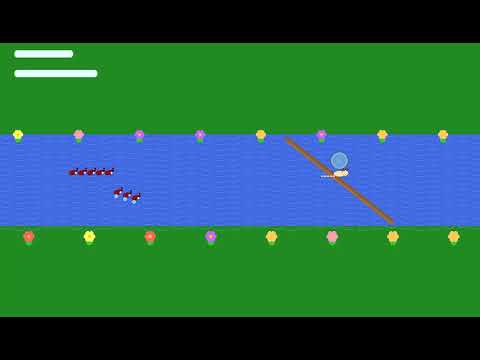

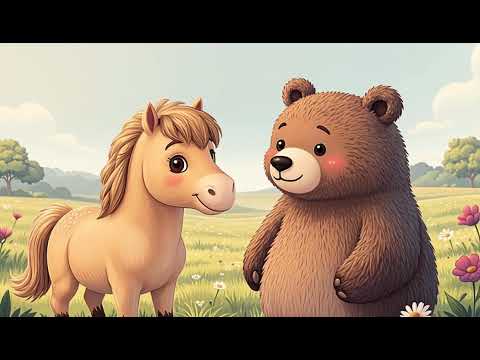
Subscribe to our channel for more AI-generated story videos, tutorials, and updates.